Legacy Clock Schedule
The legacy clock schedule assigns clocks to individual hours on specific dates using a calendar. This mode is kept for stations that have not yet switched to Clock Grids.
To switch to Clock Grids, a migration wizard is available from the banner shown at the top of this window. It analyses your existing schedule and creates equivalent clock grids before switching mode.
To switch back to this mode after migrating, open File > Settings > Live-Assist Mode and change Clock scheduling mode to Legacy. Your legacy schedule is never deleted when you switch away, so switching back restores it exactly as it was.
Some stations prefer this mode for highly irregular schedules where each day differs significantly from the last and a repeating weekly template would need constant overriding. In that case, the per-date calendar gives direct control over every individual hour without any layer or recurrence logic to reason about.
Schedule calendar
The schedule calendar shows a weekly grid where each cell represents one hour of the day. Assigned clocks appear as coloured blocks. Use Previous Week and Next Week to navigate. The current day and hour are highlighted in red.
To add a new clock assignment, click a free slot on the grid, then choose a clock from the picker that appears. Click Add New to add an assignment without dragging. Double-click an existing assignment to edit its time and clock; if the assignment is recurring, you will be asked whether to edit that occurrence or all occurrences. Click OK to save changes or Cancel to discard them.
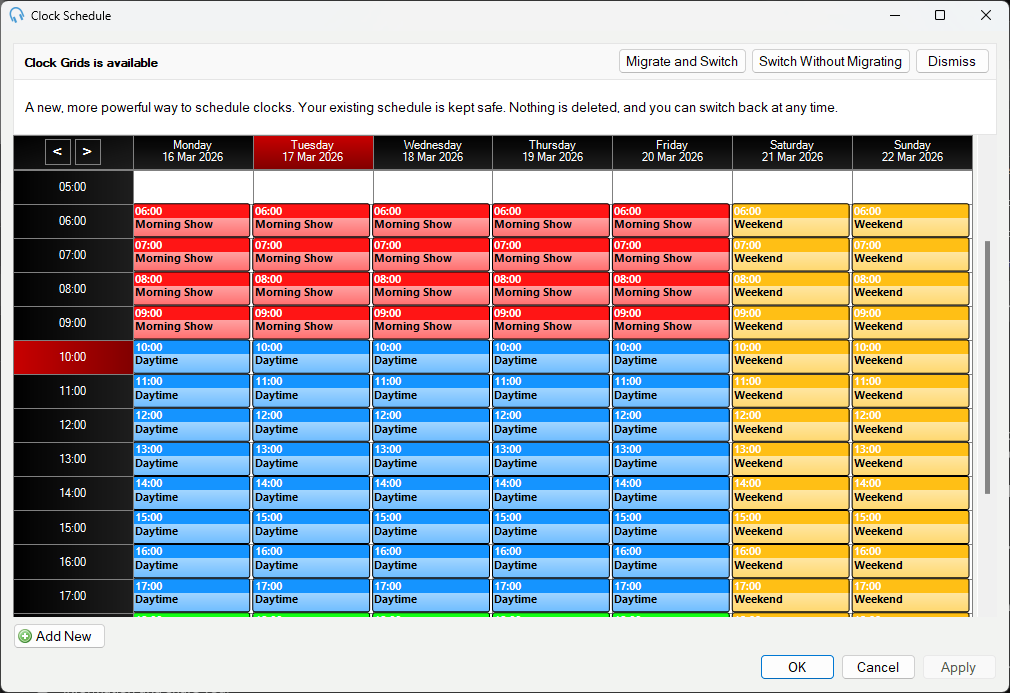
Previous Week

The Previous Week navigation button.
Next Week

The Next Week navigation button.
Day heading
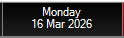
A day column heading. The current day is highlighted in red.
Hour heading

An hour row heading. The current hour is highlighted in red.
Clock assignment
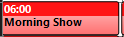
A coloured clock assignment block spanning one or more hours.
Add New

The Add New button, which adds an assignment without dragging.
OK

The OK button, which saves your changes.
Cancel

The Cancel button, which discards your changes.
Migrating to Clock Grids
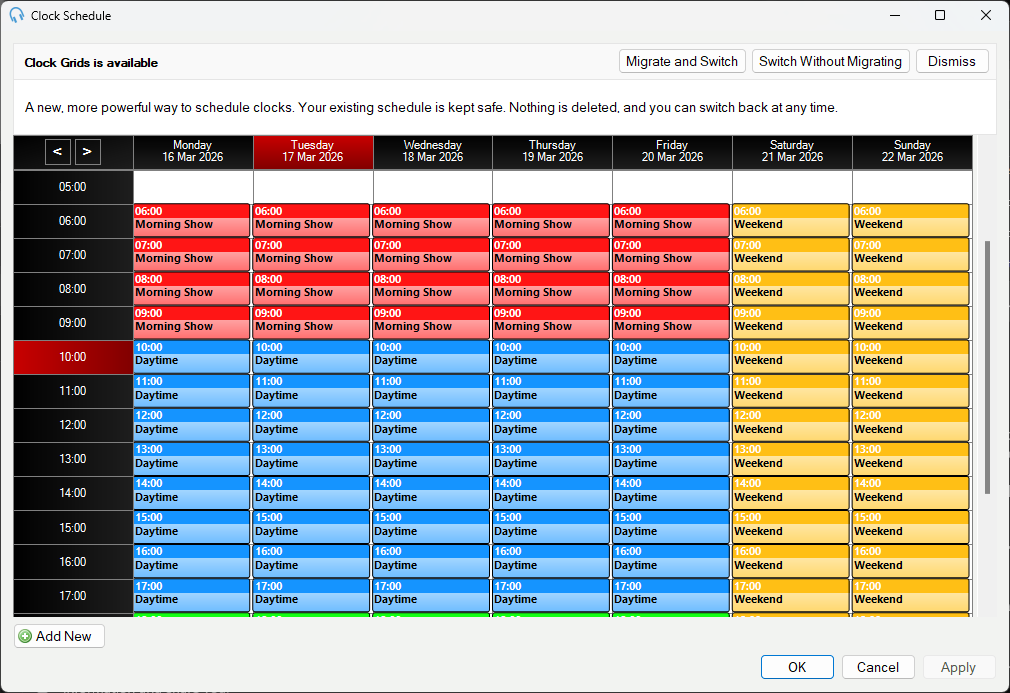
The banner provides three buttons: Migrate and Switch (opens the migration wizard), Switch Without Migrating, and Dismiss.