Pre-Fade Listen
The Pre-Fade Listen window allows you to listen to a track before it airs.
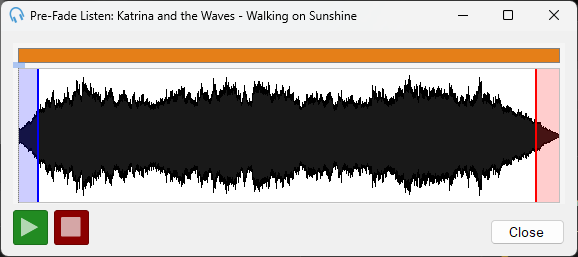
Click the Play and Stop buttons to control playback. You can double-click on a part of the waveform to advance to a position in the track. Use the mouse wheel to zoom in and out of the waveform for a more precise position selection. Audio will play back on the audio device you have selected under Settings > Track Editor Audio Device.