Duplicate Track File Analysis
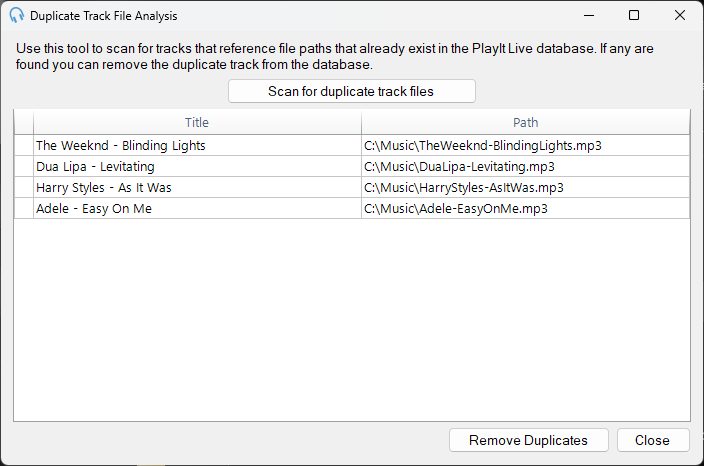
Use the Duplicate Track File Analysis window to find tracks in your library that point to the same file path. This is useful if you have accidentally added the same audio file to PlayIt Live more than once.
This tool only detects tracks that share an identical file path. It will not detect duplicates in the following cases:
- The same audio content exists at two different file paths (e.g. copied to another folder).
- Two different files have the same filename but are in different folders.
- Two files contain the same audio but have different filenames.
To open the window, go to Tools > Duplicate Track File Analysis....
Scanning for duplicates
Click the Scan for duplicate track files button to begin scanning your track library.
Any tracks that share the same file path will be displayed in the list.
Removing duplicates
Click the Remove Duplicates button to remove the duplicate tracks from your library. The original track and its audio file are kept; only the extra library entries are removed.