Manage Users Window
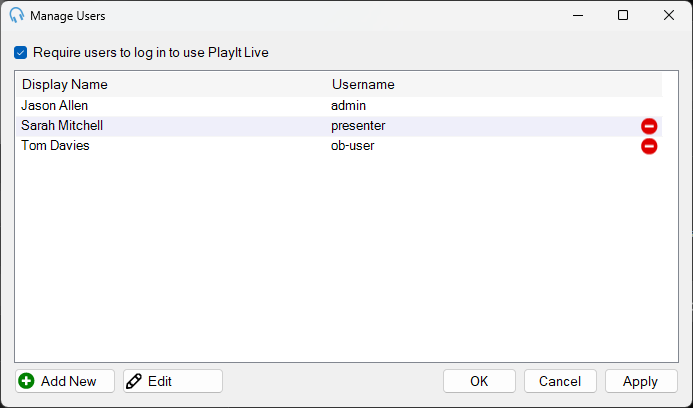
Users can be managed via Manage > Users.
1
Require users to log in

Tick this box to require users to log in to use PlayIt Live. Please ensure before you tick this box that you know correct usernames and passwords and how to log into the system.
2
Users list
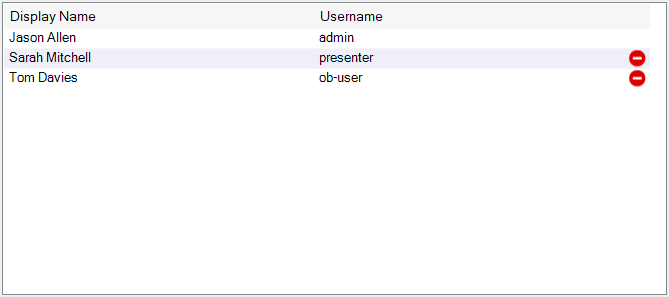
This list shows all the users in the system, including their Display Name, Username and Last Logged In time. You can delete a user using the delete icon. You cannot delete the administrator user.
3
Management controls

Click Add New to add a new user.
Click Edit to edit the selected user. You can also double-click the user in the list.
Click OK to save any changes and close the window.
Click Cancel to discard any changes.
Click Apply to save any changes without closing the window.