External Devices
The External Devices feature allows you to integrate PlayIt Live with third-party hardware systems for complete studio automation. This GPIO-style interface enables bidirectional communication between PlayIt Live and external equipment such as on-air lights, control buttons, telephone hybrids, transmitter controllers, and other broadcast equipment.
External Devices is an advanced feature for broadcast engineers and technical staff familiar with serial communications, GPIO hardware, and microcontroller programming (Arduino, etc.). This feature requires the Remote Management module. If you are unsure about hardware integration or electrical connections, consult a qualified broadcast engineer before proceeding.
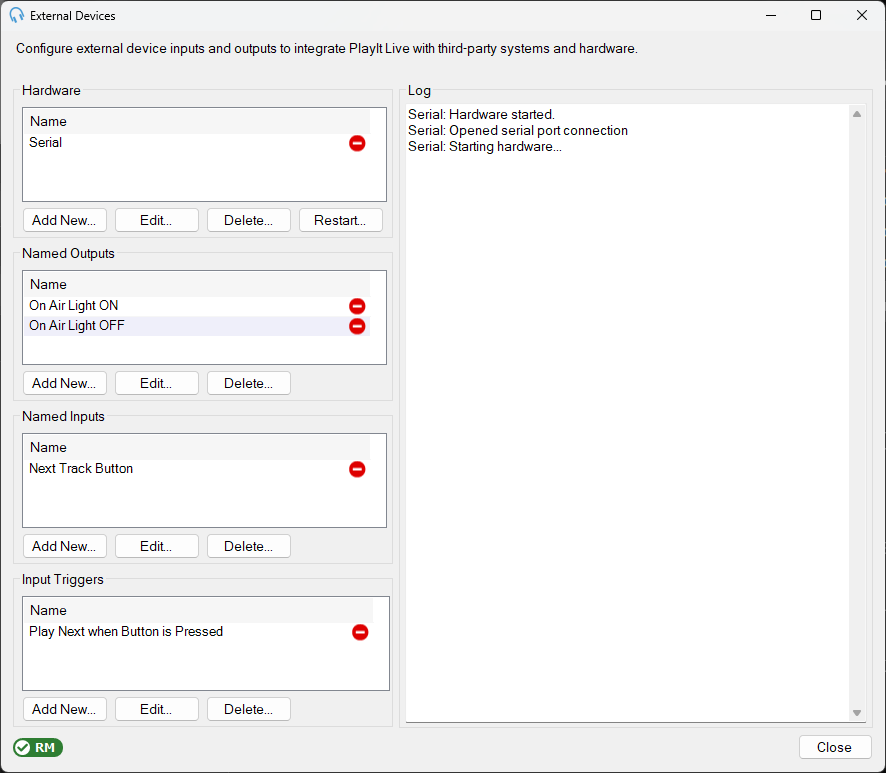
Open the External Devices window from Tools > External Devices.
Hardware
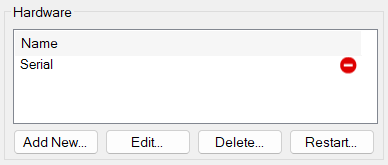
Configure the physical devices that connect to your computer. PlayIt Live supports Serial Port, Broadcast Tools/Easy Driver, and X-keys USB GPIO hardware interfaces. See Hardware for details.
Named Outputs
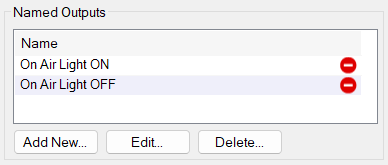
Define commands that PlayIt Live sends to your external hardware devices, such as turning on-air lights on or off. Named Outputs can be triggered by Scheduled Events. See Named Outputs for details.
Named Inputs
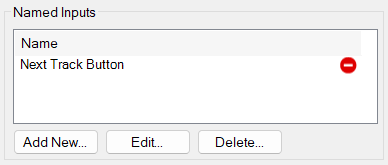
Define signals received from your external hardware devices, such as button presses from a control panel. See Named Inputs for details.
Input Triggers
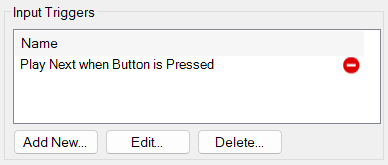
Define actions that PlayIt Live performs when a Named Input is received. Each trigger links a Named Input to one or more scheduled event actions. See Input Triggers for details.
Log
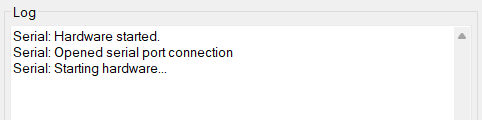
Displays real-time status messages and diagnostic information from the External Devices system. Monitor this panel when setting up new hardware or diagnosing connectivity issues. If your hardware is not responding, check the log for error messages.