Now Playing
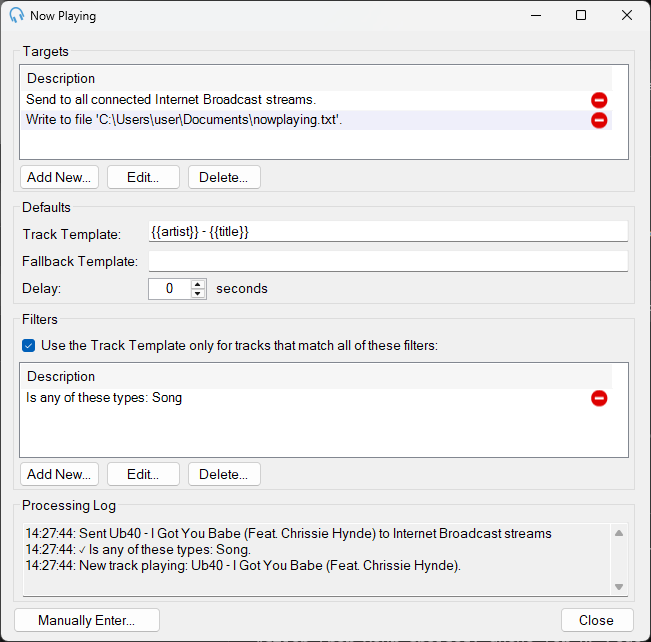
The Now Playing feature sends real-time track information to external targets such as streaming servers and third-party services. You can configure multiple targets, each with its own settings, and optionally filter which tracks trigger updates.
To open the Now Playing window, go to Tools > Now Playing.
Targets
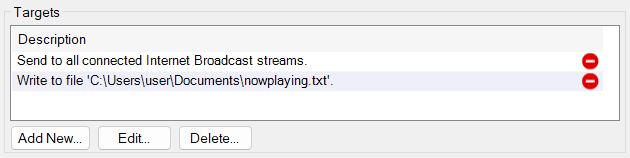
Displays the configured targets where Now Playing data is sent, such as text files, HTTP web requests, TCP/IP connections, or Internet Broadcast streams. Use Add New..., Edit..., and Delete... to manage targets. See Edit Now Playing Target.
Defaults

Specifies the default track template, fallback template and delay used by targets. These can be overridden in each target if required.
- Track Template specifies the format for sending track data, using placeholders such as
{{artist}}and{{title}}. For example,{{artist}} - {{title}}will send "Artist Name - Track Title". A full list of placeholders can be found on the Now Playing Placeholders page. - Fallback Template provides an alternative format for cases where no eligible track is playing. To prevent a target from sending data, you can use the text
^IGNORE^. - Delay sets a delay in seconds before sending Now Playing data to targets. This is useful for aligning updates with streaming delays.
Filters
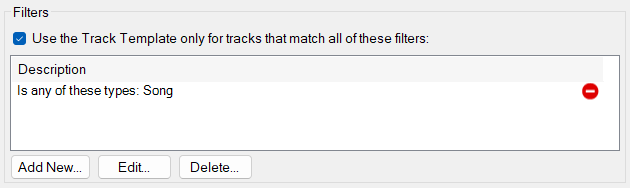
Check this option to apply the Track Template only to tracks that meet specific conditions. Otherwise the Fallback Template will be used. Use Add New..., Edit..., and Delete... to manage filters. When multiple filters are specified, only tracks that meet the criteria of all the filters will be eligible for sending Now Playing data. See Edit Now Playing Filter.
Processing Log

Displays a real-time log of actions performed by the Now Playing feature, including sent track information and filter evaluations.
Manually Enter...

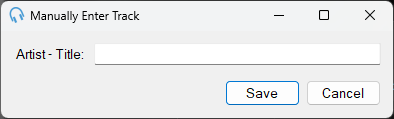
Allows you to manually specify and send Now Playing data if automated updates are not available, such as during a live set. Clicking this button opens a dialog to input custom track information.
Close

Closes the Now Playing window.