Decks Mode
The Decks Mode tab contains settings for the number of decks, audio device assignments, and Remote Studio Microphone Playback Device when using Decks mode.
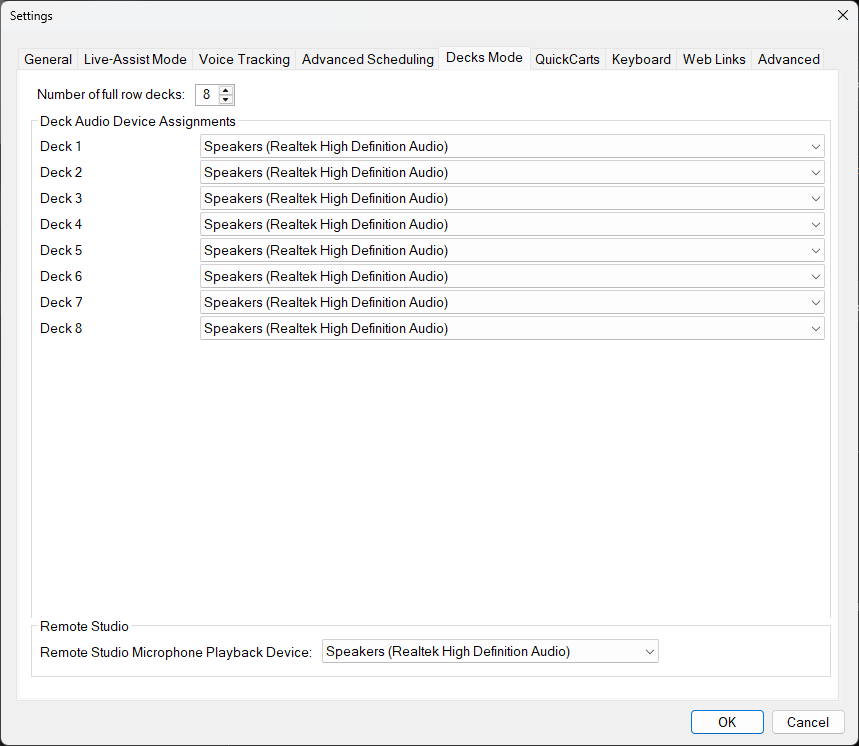
The Decks Mode tab of the Settings window.
1
Number of full row decks:

Set the number of full-row decks displayed in Decks mode. Each deck operates independently and can be loaded with a different track. There is no fixed upper limit on the number of decks you can select, but the maximum is constrained by your screen resolution.
2
Deck Audio Device Assignments
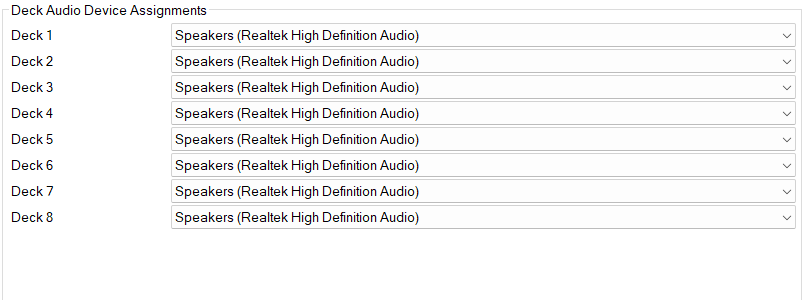
Assign an audio output device to each deck. By default, all decks use the same device, but you can assign different devices for multi-output setups.
3
Remote Studio Microphone Playback Device:

Select the audio device used for Remote Studio microphone playback in Decks mode.