Edit Track Group Settings Window
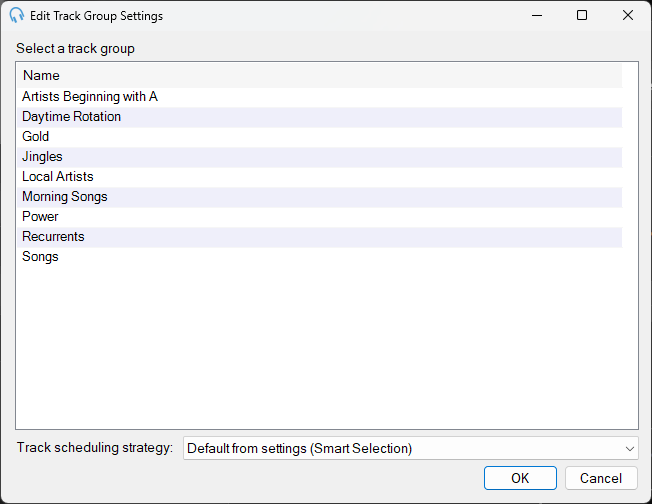
The Edit Track Group Settings window allows you to select a track group and scheduling strategy for a clock item. This window is launched when you edit the settings of a Track Group type clock item in the Edit Clock window.
1
Track group list
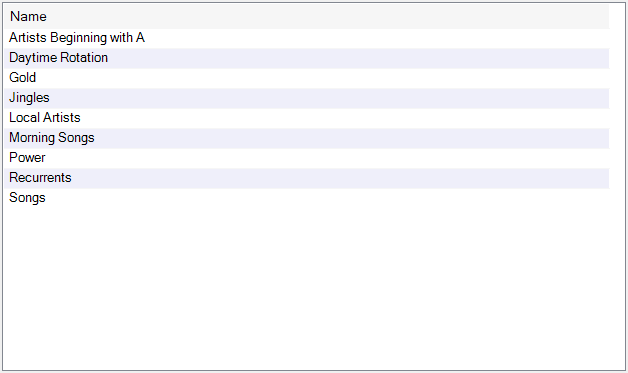
Select the track group you wish to include in the clock. Double-click a track group to immediately confirm your selection.
2
Track scheduling strategy

Select the scheduling strategy PlayIt Live uses when deciding which track to select from the track group. The options are:
- Default from settings: Use the scheduling strategy as defined in Settings.
- Smart Selection: Selects a track using a weighted random algorithm. A track played longer ago is given a larger weight, increasing its chance of being selected.
- Random: Select a track entirely at random from the track group.
- Most Rested: Selects the track from the track group that was played longest ago.
3
OK

Click OK to confirm your selection.
4
Cancel

Click Cancel to discard your selection.