Advert Campaigns
Some images on this page may not display correctly if you have an ad blocker installed. Disable your ad blocker on this site to see all images.
An advert campaign represents an advert sales order, a request from a customer to play a set of adverts a specified number of times, during certain times of the day, for a period of time. Advert campaigns in the same category will never be scheduled in the same block.
Advert Scheduling requires the Advanced Scheduling module. Start a free two-week trial from within PlayIt Live via Help > Licensing Information.
Licencing information

A reminder that Advert Scheduling is a premium module and requires the Advanced Scheduling module. Click the See Licensing Information link to start a trial.
Campaign List

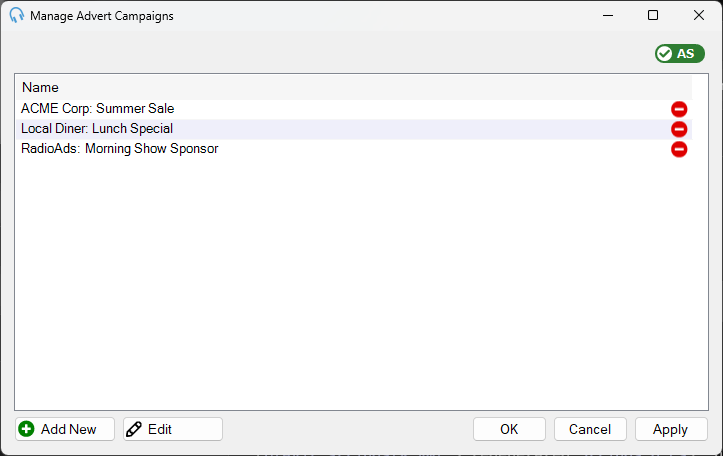
The list of advert campaigns. Each campaign shows its name. Select a campaign and click Edit to open the Edit Advert Campaign window, where you can set the campaign dates, company, categories, and adverts.
Add New

Click Add New to create a new advert campaign. Opens the Edit Advert Campaign window to enter the campaign details.
Edit

Click Edit to edit the selected advert campaign. Opens the Edit Advert Campaign window to modify the campaign details.
OK

Click OK to save changes and close the window.
Cancel

Click Cancel to discard changes and close the window.
Apply

Click Apply to save changes without closing the window.