Edit Partial Clock Settings Window
The Partial Clock Settings window allows you to select which partial clock will be inserted at this position in the parent clock. This window is launched from the Edit Clock window.
This window displays a list of all available partial clocks that have been created in your system. Note that only clocks with the type 'Partial' will be displayed here.
Once inserted, the partial clock items will be dynamically added to the parent clock verbatim, including any fixed time markers at their absolute positions. Partial clocks can be expanded in the parent clock by clicking the [+] icon.
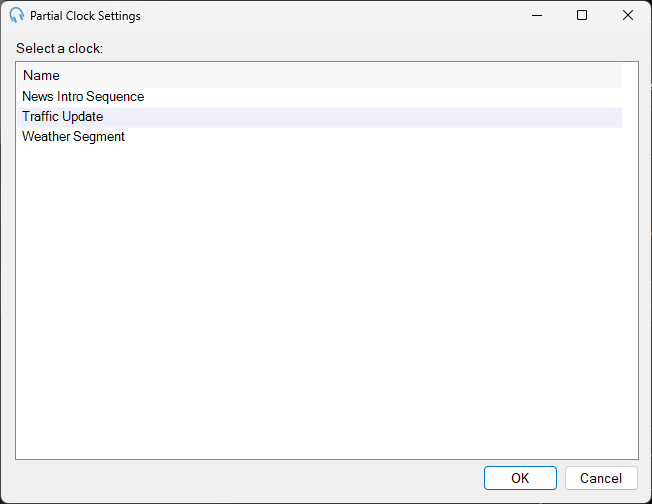
Description

A description of what this window is used for.
Clock List
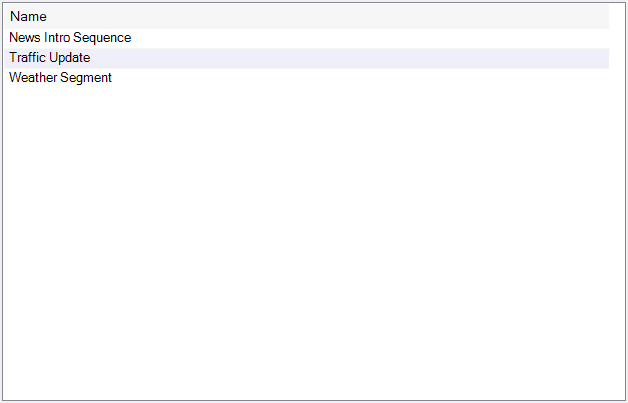
The list of available partial clocks to select from. Click on a partial clock to select it.
OK Button

Click OK to confirm the selection and close the window.
Cancel Button

Click Cancel to discard the selection and close the window.