Add New Tracks Progress
After configuring your additional options, the wizard begins importing your tracks. The progress page shows the status of the import as each file is loaded and processed.
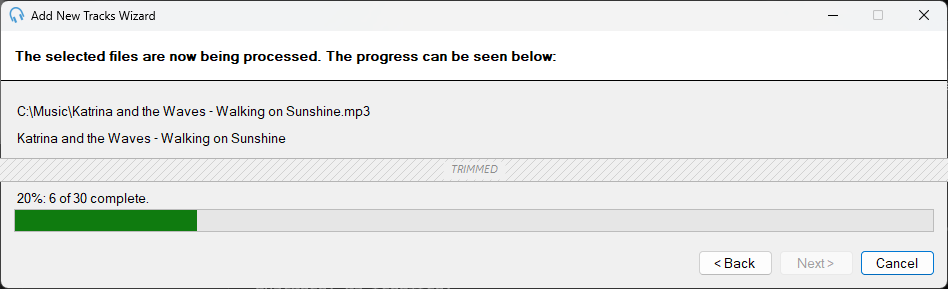
The Add New Tracks Wizard showing an import in progress.
Current File

Displays the file path of the track currently being imported. This updates as each file is processed.
Artist and Title

Shows the artist and title of the track currently being processed, as read from the embedded tag information within the file. If this information is missing, the artist and title are determined from the filename in the format Artist - Title.ext where ext is the file extension.
Overall Progress

A progress bar showing the overall completion of the import, along with text indicating how many tracks have been processed out of the total. If any tracks were ignored during the import, the count of ignored tracks is also displayed. Tracks are ignored if they are not valid audio files, have no duration, or if the duplicate handling option is set to skip and a track with the same file path already exists in the library.