Edit Merge Start Settings Window
The Edit Merge Start Settings window is used to configure a merge start clock item. A merge start item allows you to schedule the insertion of external content, such as commercial traffic logs, into your playout log at a specified point. This window is launched from the Edit Clock window.
Place a Merge Start item into your clock at the point where you want to insert external content, followed by a Merge End to indicate the end of the merge segment. Use the Merge External Log File scheduled event action to perform the merge operation. This is typically used to insert commercial traffic logs.
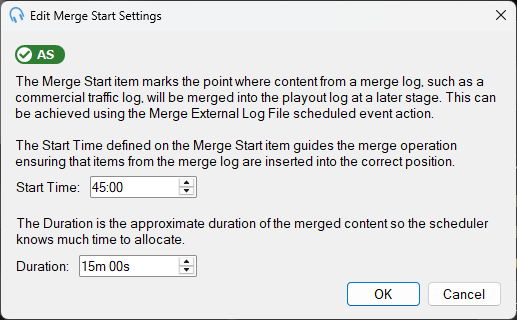
Start Time
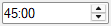
The start time specifies the intended time at which the Merge Start item will take effect in the playout log. This ensures the correct timed content from the external merge log, such as a commercial traffic log, is merged.
Duration
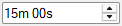
The duration indicates the approximate length of the merged content. This helps the scheduler allocate sufficient time for the merged content to fit into the playout log.
Advanced Scheduling Indicator

The AS indicator shows whether the Advanced Scheduling module has been licensed. It is required to use merge start items. If the indicator is shown in red, click it to purchase or start a free trial of the module.
OK Button

Click OK to save the settings and close the window.
Cancel Button

Click Cancel to discard changes and close the window.