Insert Special Item Action
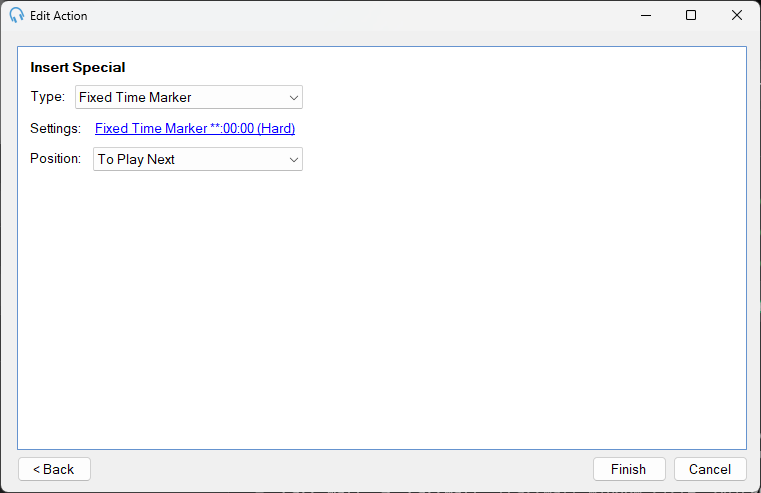
Use the Insert Special action to insert special playout log item types into the log at a specific position.
1
Type

The type of special item to insert:
- Fixed Time Marker: inserts a Fixed Time Marker to trigger a hard time event in the log.
- Break Note: inserts a Break Note item as a cue for a presenter.
- Remote URL: inserts a Remote URL item to stream audio from an internet source.
- Aux Input: inserts an Aux Input item to switch to an external audio source.
2
Settings

Click the link to configure the settings for the selected item type. The settings available depend on the type chosen.
3
Position

Where to insert the item in the log:
- To Play Next: after the currently playing track.
- End Of Current Hour: at the end of the current clock hour.
- Start Of Next Hour: at the start of the next clock hour.
- End Of Next Hour: at the end of the next clock hour.