Edit Fixed Time Marker Settings Window
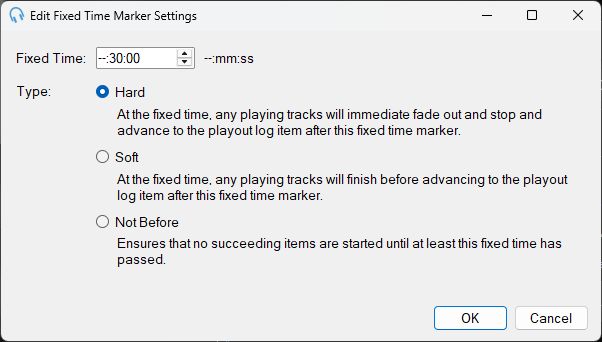
The Edit Fixed Time Marker Settings window is used to configure a fixed time marker in a clock. Fixed time markers anchor the schedule to a specific point in the hour. This window is launched from the Edit Clock window.
Fixed Time
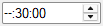
The time within the hour that this marker targets. Use the up and down arrows to select the fixed time. For example, within the 20:00 (8pm) hour, a fixed time marker of --:15:00 would fix the time around 20:15:00 (8:15pm).
Hard

A hard fixed time marker forces the schedule to hit this time exactly. Any playing items will immediately fade out and stop, and playout will advance to the next item after the fixed time marker.
Soft

A soft fixed time marker is a target time. Any playing items will finish before advancing to the next item after the fixed time marker.
Not Before

A "not before" marker ensures that items after this point are not scheduled before the specified time. Not Before fixed time markers are implicitly inserted when a new hour is scheduled.
OK Button

Click OK to save the settings and close the window.
Cancel Button

Click Cancel to discard changes and close the window.