Edit Break Note Settings Window
The Edit Break Note Settings window is used to configure a break note clock item. Break notes are text markers in the playout log that indicate a break point (e.g., for a news bulletin). This window is launched from the Edit Clock window.
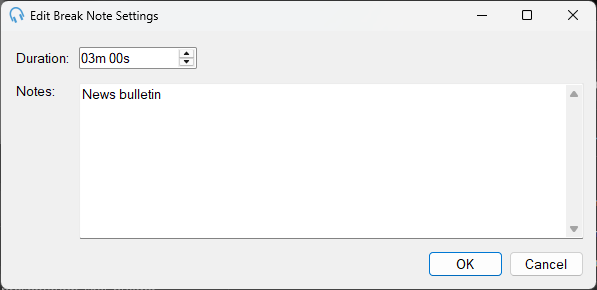
1
Duration
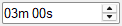
Use the up and down arrows to change the duration of the break note.
2
Notes
Use the Notes text to indicate the purpose of the break to the presenter.
3
OK Button

Click OK to save the settings and close the window.
4
Cancel Button

Click Cancel to discard changes and close the window.