Choose Track Group Type Window
When you click Add New in the Manage Track Groups window, this dialog appears to let you choose which type of track group to create.
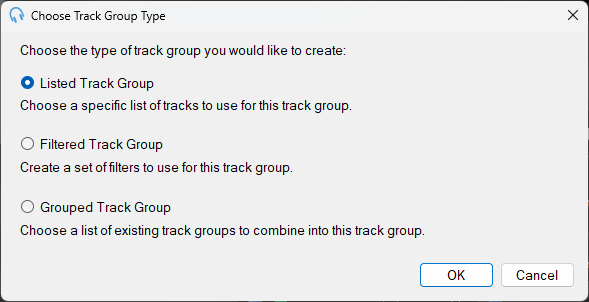
The Choose Track Group Type window with the three track group type options.
Listed Track Group

A Listed Track Group lets you manually select a fixed list of tracks to include in the group. Select this option and then click OK to open the Edit Listed Track Group window.
Filtered Track Group

A Filtered Track Group dynamically selects tracks based on filter conditions applied to track properties such as artist, genre, or year. Select this option and then click OK to open the Edit Filtered Track Group window.
Grouped Track Group

A Grouped Track Group combines multiple existing track groups into a single group, letting you treat several groups as one. Select this option and then click OK to open the Edit Grouped Track Group window.
OK

Click OK to continue creating a track group of the selected type.
Cancel

Click Cancel to stop creating a new track group.