Manage Dayparts Window
A daypart defines a period of time during the week, typically a regular listening period for a target listener, such as Breakfast or Drive. Dayparts are used by Daypart Separation Playout Policies to prevent the same track from being played during a daypart for a period of days.
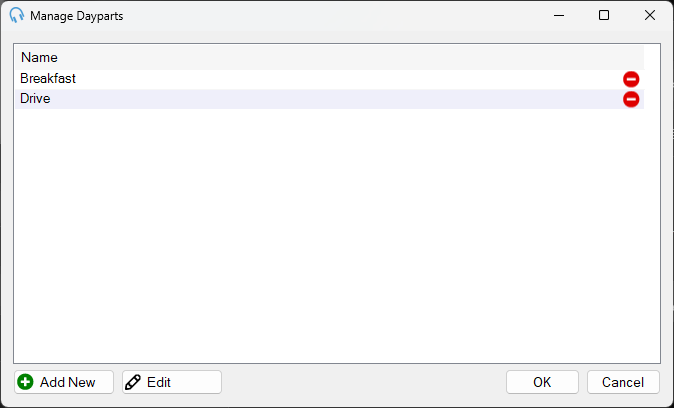
Daypart list

Lists all the dayparts in the system. Double-click an entry to begin editing and launch the Edit Daypart window.
Each row includes a Delete icon. Click it to remove the daypart from the system.
Add New

Click Add New to create a new daypart. Opens the Edit Daypart window to enter the daypart details.
Edit

Click Edit to edit the selected daypart. Opens the Edit Daypart window to modify the daypart details.
OK

Click OK to save changes and close the window.
Cancel

Click Cancel to discard changes and close the window.