Uninstallation
When installed, PlayIt Live will include an Uninstall shortcut in the Start Menu.
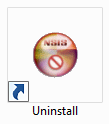
If you chose not to add Start Menu shortcuts, the uninstaller can be found at (by default):
C:\Program Files (x86)\PlayIt Live\uninstall.exe or C:\Program Files\PlayIt Live\uninstall.exe
Double-click the icon to start the uninstall process.
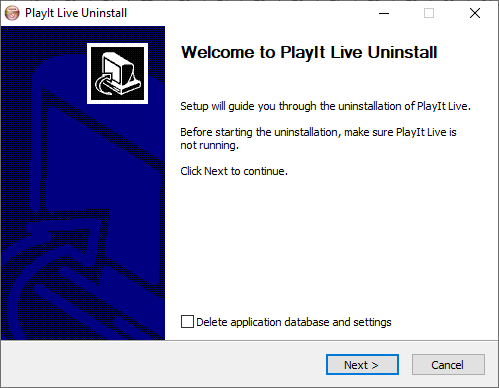
By default your database and settings will be retained when you uninstall. You can choose whether PlayIt Live data is removed by ticking the Delete application database and settings checkbox.
Click Next.
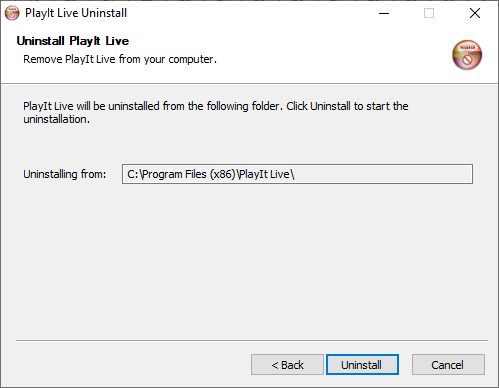
Click Uninstall to remove PlayIt Live.