Manage Playout Pattern Window
The Manage Playout Pattern window allows you to configure which track groups are included in the playout pattern and the order in which they are used.
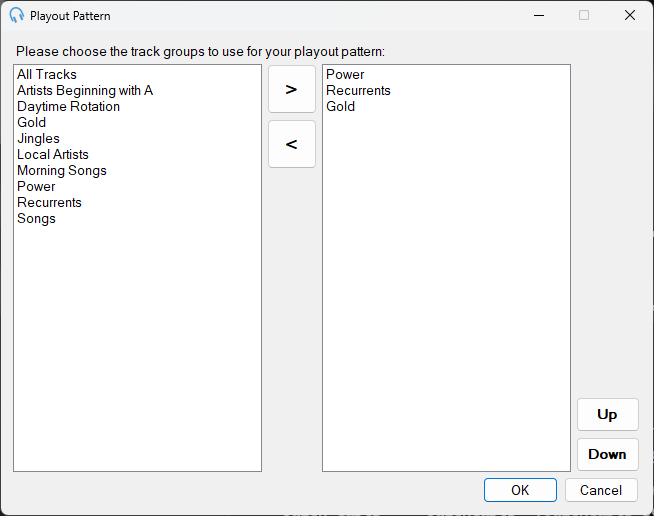
Track Group List
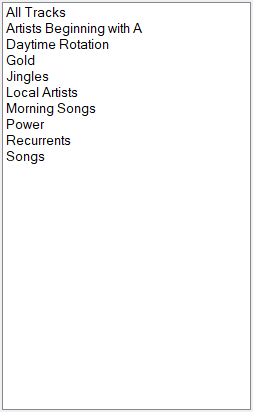
Lists all available track groups that can be added to the playout pattern.
Add to Playout Pattern

Click the > button to add the selected track group from the track group list to the playout pattern.
Remove from Playout Pattern

Click the < button to remove the selected track group from the playout pattern.
Playout Pattern Track Group List
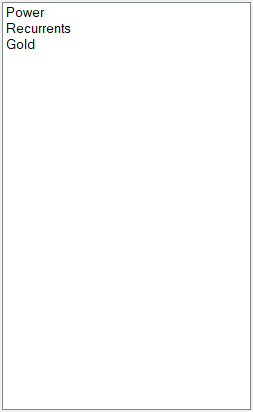
Lists the track groups currently in the playout pattern, in the order they will be used by the scheduling engine.
Move Up

Click the Up button to move the selected playout pattern track group up the list.
Move Down

Click the Down button to move the selected playout pattern track group down the list.
OK

Click OK to save changes to the playout pattern.
Cancel

Click Cancel to discard changes.