Multiple Artist Splits
Multiple Artist Splits define the text used to separate combined artist names in the Artist field of a track. Without splits configured, PlayIt Live treats a name such as Take That feat. Lulu as a single distinct artist, so artist-separation rules in Playout Policies will not apply to the individual artists within that name.
For example, adding a split with the text feat. causes PlayIt Live to recognize Take That and Lulu as separate artists. Playout Policies can then prevent either artist from being played too close together, regardless of whether the track credit is listed as the combined name or individually.
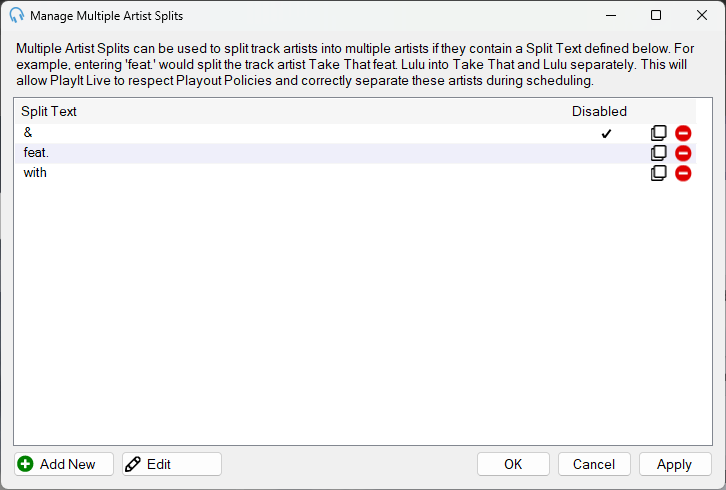
List

The list of existing Multiple Artist Splits.
- Split Text - The text used to split combined artist names into separate artists.
- Disabled - A check mark indicates the split is disabled and will not be used when separating artists.
- Clone - Click to create a copy of the split.
- Delete - Click to remove the split.
Add New

Click to add a new Multiple Artist Split. Opens the Edit Multiple Artist Split window to enter the details of the split.
Edit

Click to edit the selected Multiple Artist Split. Opens the Edit Multiple Artist Split window to modify the details of the split.
OK

Click OK to save changes and close the window.
Cancel

Click Cancel to discard changes and close the window.
Apply

Click Apply to save changes without closing the window.