Edit Voice Track Settings Window
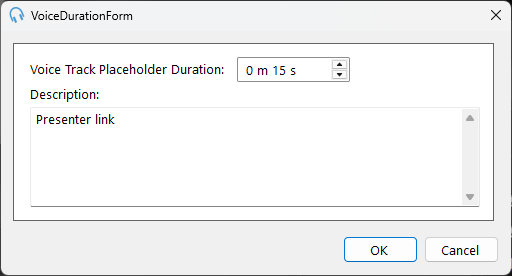
The Edit Voice Track Settings window is used to configure a voice track clock item. Voice tracks are placeholder items in the schedule that can be recorded by a presenter or voice talent. This window is launched from the Edit Clock window.
1
Placeholder Duration
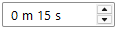
The intended duration of the voice track. This is used to estimate the duration of the track in the playout log.
2
Description
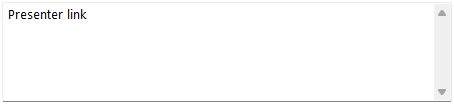
Notes or instructions for the voice track that will be visible to the presenter or voice talent recording the track. This can include talking points, show flow information, or any other guidance about what should be recorded in this voice track segment.
3
OK Button

Click OK to save the settings and close the window.
4
Cancel Button

Click Cancel to discard changes and close the window.