Edit Grouped Track Group Window
The Edit Grouped Track Group window allows you to combine multiple existing track groups into a single track group.
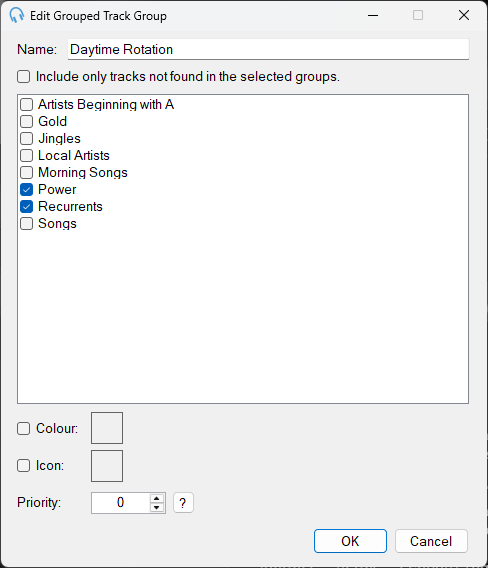
The Edit Grouped Track Group window showing the track group selections.
1
Track Group Name

The name of the track group.
2
Invert Selection

If this checkbox is checked, the tracks in this group will be the inverse of the selected groups. That is, this track group will include only tracks that do not appear in the selected track groups.
3
Track Group Selections
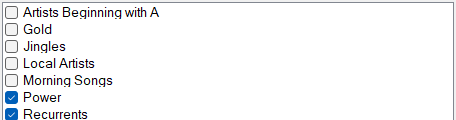
Lists all the track groups in the system. Click a checkbox to include the selected track group in this grouped track group.
4
Color, Icon and Priority

See the Color, Icon and Priority settings on the Edit Listed Track Group page.
5
OK

Click OK to confirm changes to this track group.
6
Cancel

Click Cancel to discard changes to this track group.