Select Track
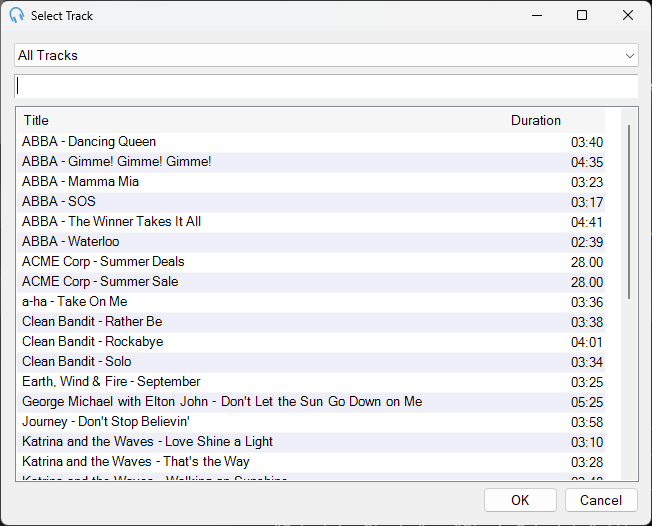
The Select Track window allows you to select a specific track for a clock item. This window is launched when you edit the settings of a Track type clock item in the Edit Clock window.
1
Track Group selector

Use the dropdown to filter the track list by track group.
2
Track search box

Use the search text box to filter the track list by artist and title.
3
Track list
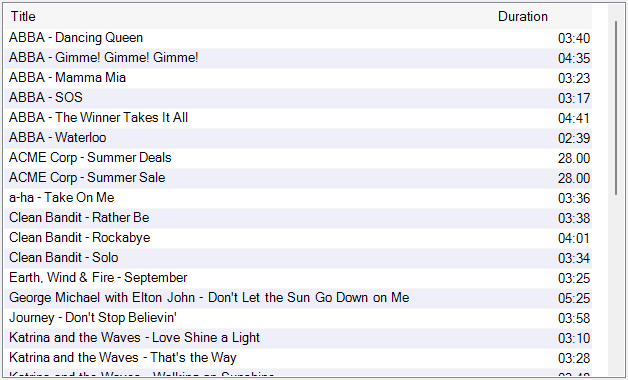
Select the track you wish to include by clicking it in the list. Double-click a track to immediately confirm your selection.
4
OK

Click OK to confirm your selection.
5
Cancel

Click Cancel to discard your selection.