Move Tracks Between Listed Track Groups
This page is used to quickly move tracks from one listed track group to another. This is useful if you regularly move tracks between playlists. Move Tracks works with listed track groups only.
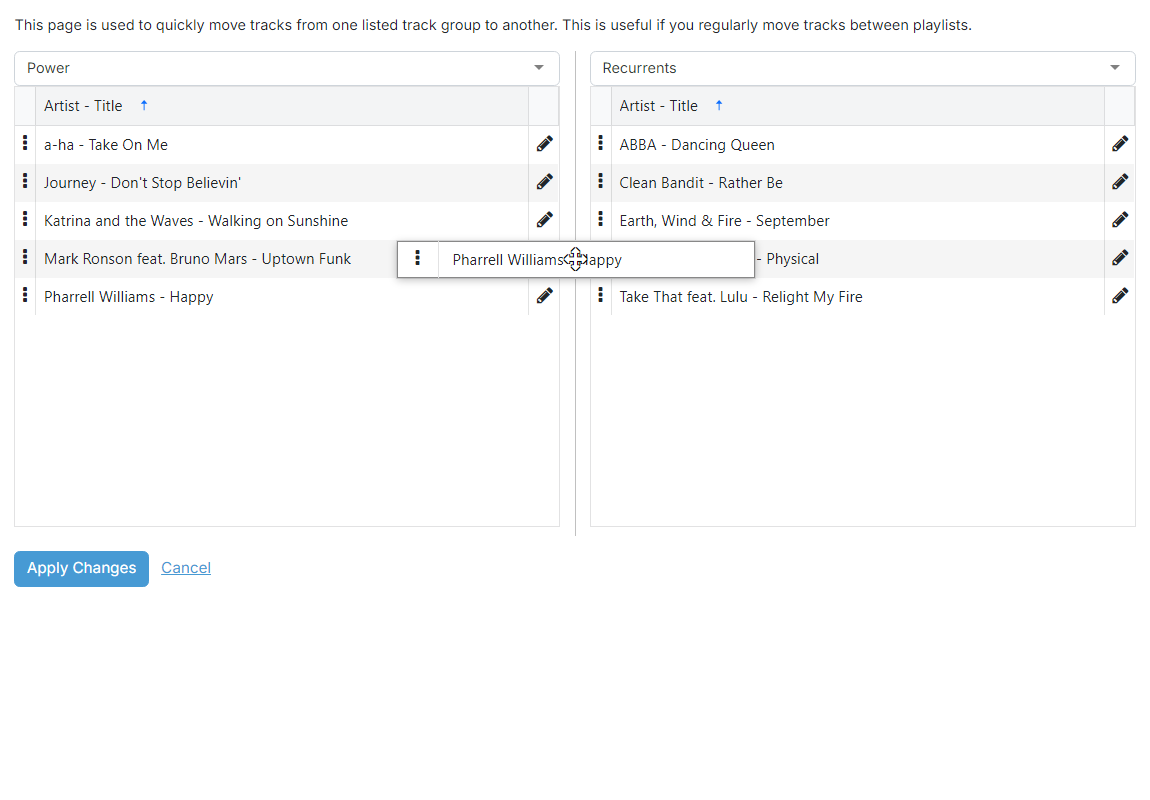
Track group A

Use the dropdown to choose the first listed track group to move tracks between. The list of tracks in that group appears underneath the dropdown.
Track group B

Use the dropdown to choose the second listed track group. The list of tracks in that group appears underneath the dropdown. The two dropdowns cannot point at the same group, and a notice is shown if you pick the same group on both sides.
Move a track

Click and hold the drag handle on the left of a track row, then drag the row onto the other track group's list to move the track between the two groups. Drag tracks one at a time to move several.
Operation buttons

- Click Apply Changes to save both track groups with the new sets of tracks.
- Click Cancel to discard any changes and return to the track group list.