Listing Users
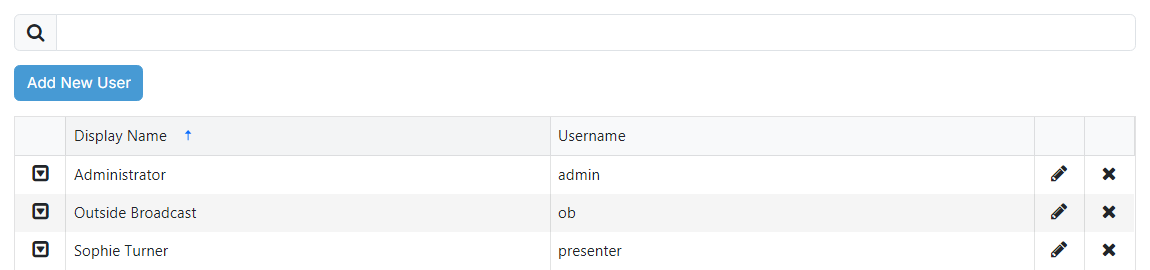
The users page lists everyone who has been added to PlayIt Manager. See User Management for an overview of how users and permissions work.
1
Search

Filter the list to users whose display name or username matches the text entered in the box.

3
User list

Lists all users added to the system, showing each user's display name and username. Use the action icons on each row to edit a user with the pencil icon, or delete it (a confirmation is shown first). The dropdown icon reveals any additional options.