Editing Daypart Separation Playout Policies
1
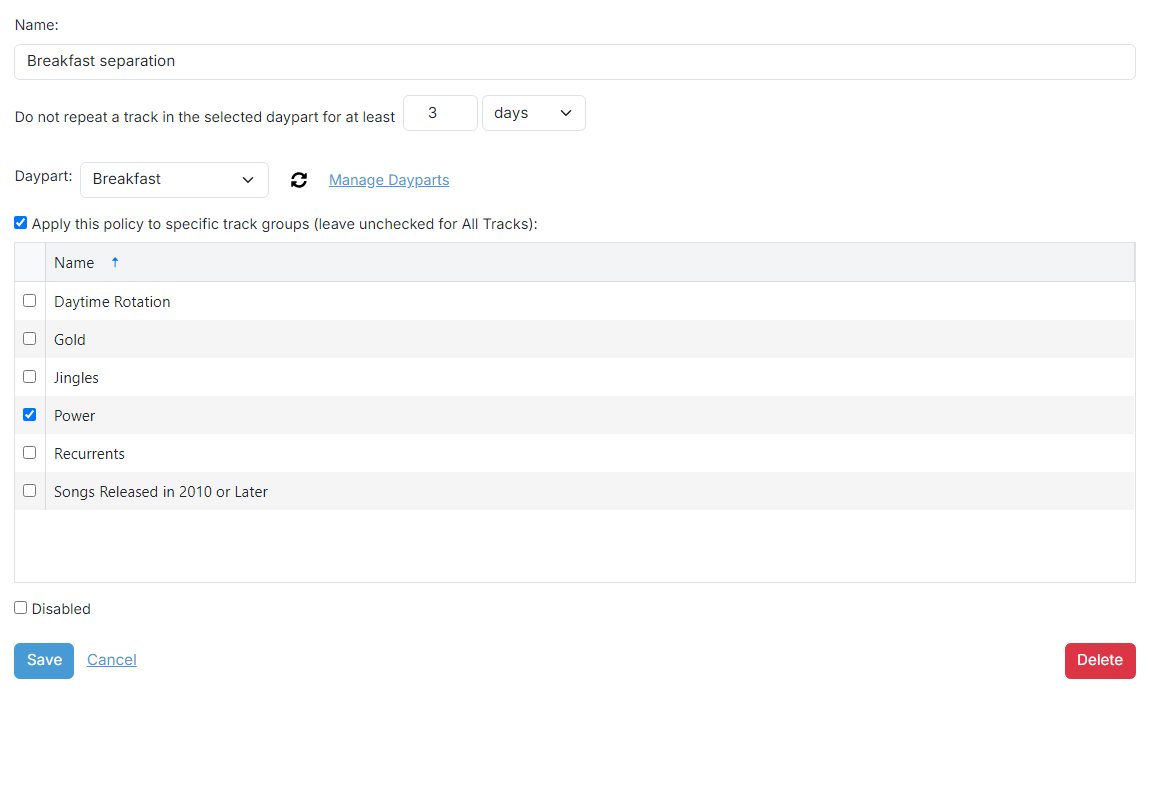
Playout policy name

The name of the playout policy. This is used for your reference.
2
Track separation

The minimum amount of time to wait before playing a track again within the selected daypart.
3
Daypart

The daypart for this policy. If no dayparts are shown, click the Manage Dayparts link to open a new tab to add a new daypart. Click the refresh icon after adding a daypart to refresh the list.
4
Apply to specific track groups checkbox
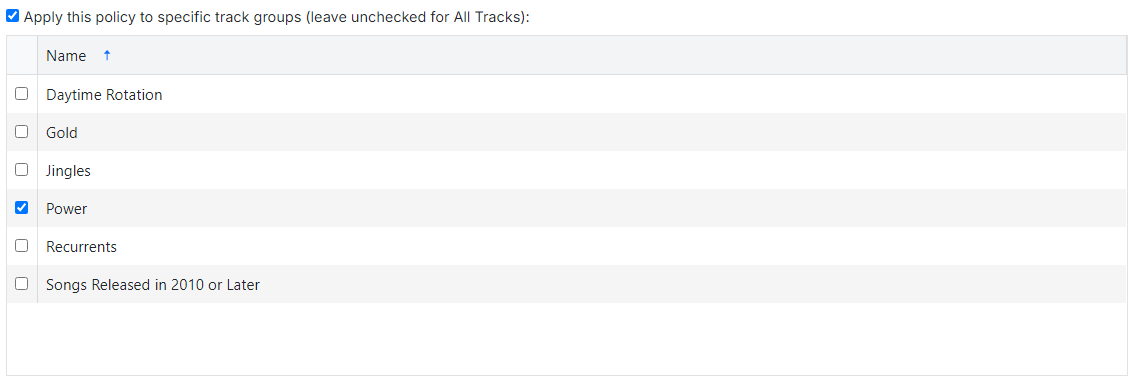
Check this checkbox to apply this playout policy to only tracks in the selected track groups below.
5
Playout policy operations

Use the Save button to save the playout policy to the database.
Use the Cancel button to discard all changes.
Use the Delete button to remove the playout policy from the database. A confirmation box will be shown.