Configure PlayIt Manager Server
Double-click the PlayIt Manager icon in the notification area (system tray) to show the Configure PlayIt Manager Server window. Here you can stop and start the server if necessary or access the Advanced or External Access sections.
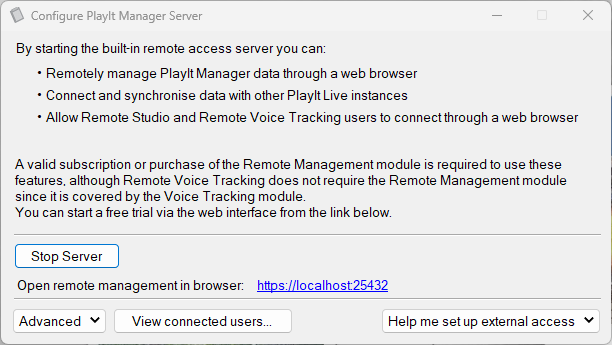
The Open remote management in browser link opens the PlayIt Manager web interface in your default browser.
For more detail, see Advanced Settings and Setting Up External Access.