Selecting Date Range
The Playout Log page opens scoped to the current hour by default. Adjust the Start and End date and time to view the scheduled log for any other range, then click Start Editing Log to arm the page for changes.
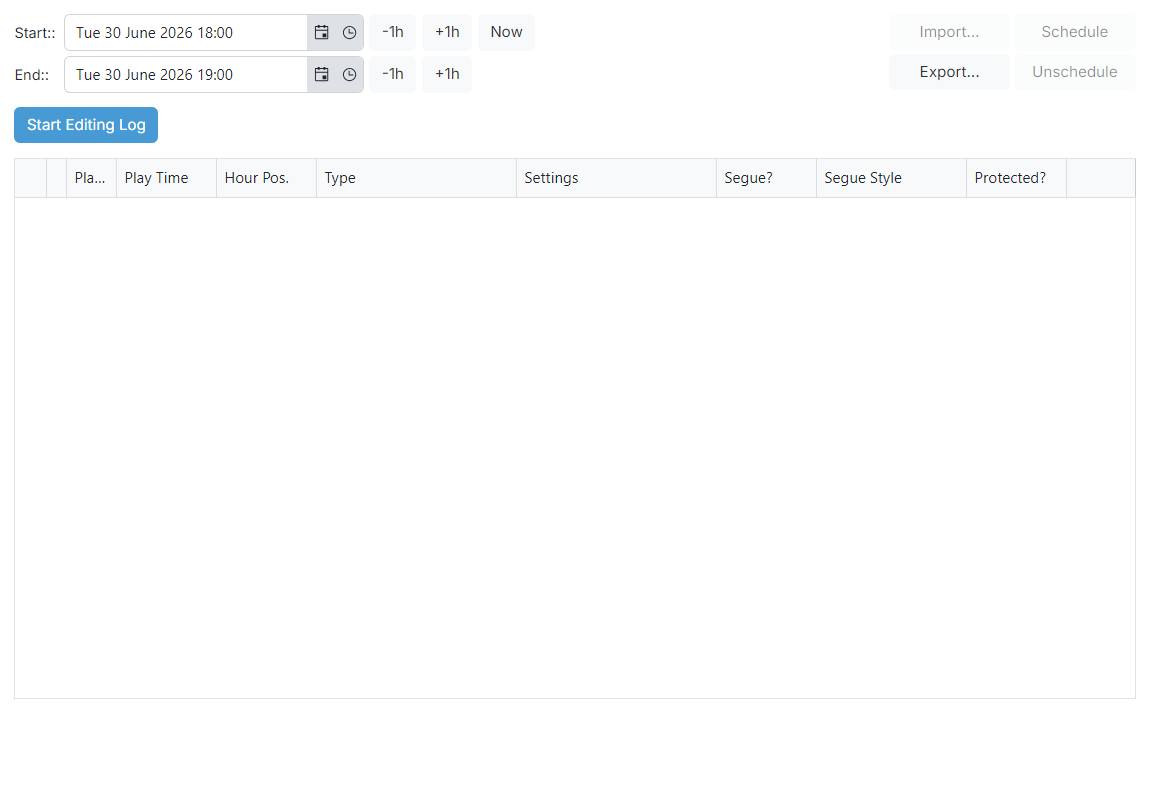
Start date and time

The start of the time range to view. Click the Now button to jump the range to the current hour without typing.
End date and time

The end of the time range to view. The range may span as many hours as you need but a wide range will take longer to schedule and may be slow to render.
Start Editing Log button

Click this button to arm the page for editing. Until you click it, the Schedule, Unschedule, Import..., Export... and Save actions on the editing playout log page are disabled and the date range fields stay editable. While editing, the date range is locked and the action buttons become enabled.