Editing Playout Pattern
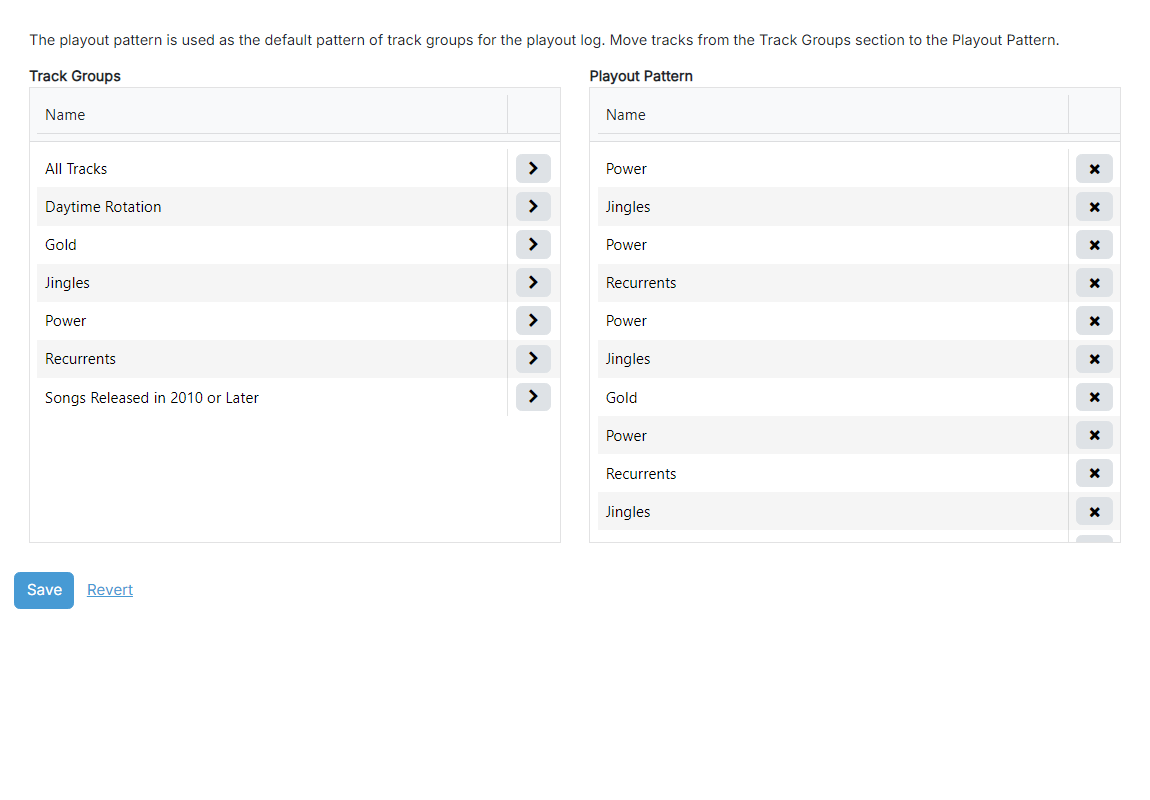
1
Track Group list
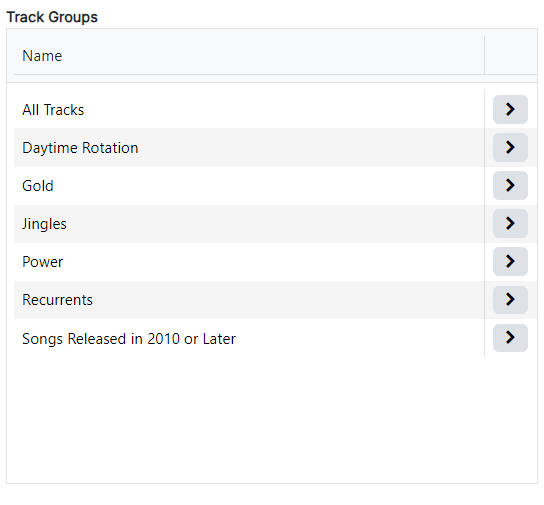
Click the chevron button on a row in this list to send the selected track group to the end of the playout pattern. The same track group can be added multiple times.
2
Playout Pattern list
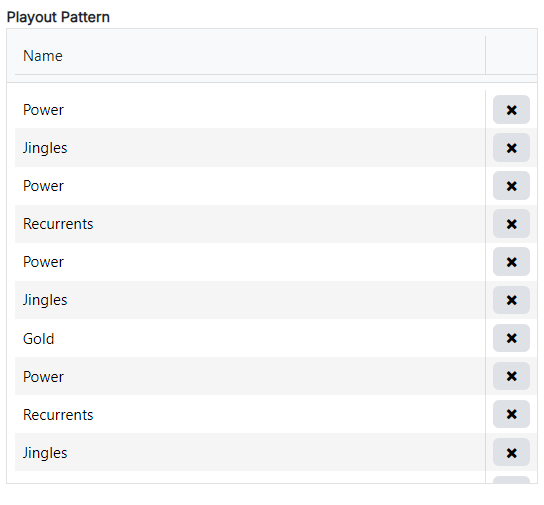
The playout pattern itself, in playback order. Click the remove button on a row to take that entry out of the pattern. Rows can also be dragged within this list to reorder them.
3
Playout pattern operations

Use the Save button to save the playout pattern to the database.
Use the Revert button to revert the playout pattern to the last saved state.