Listing Monitored Folders
1
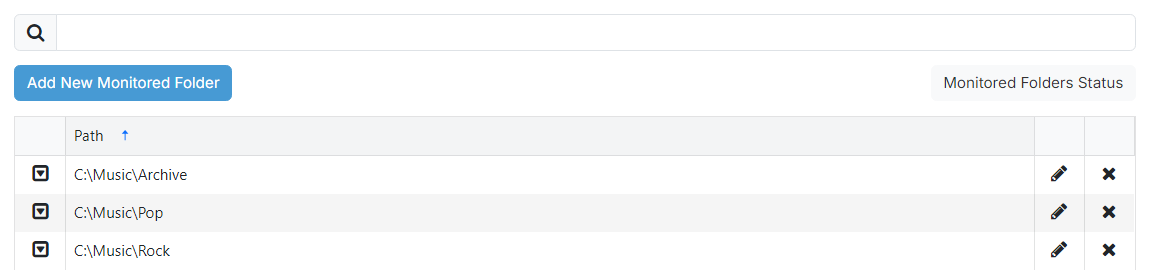
Search

Filter monitored folders by Path.

3
Monitored Folders Status

Opens the Monitored Folders Status page where you can see when each folder was last scanned and any errors that have occurred.
4
Monitored folder list

Lists monitored folders added to PlayIt Manager. The Path is shown along with three per-row action buttons covered below.

A drop down with all available options for the monitored folder.

Opens the edit page for the monitored folder.

Prompts for confirmation, then removes the monitored folder.