Editing Multiple Artist Splits
1
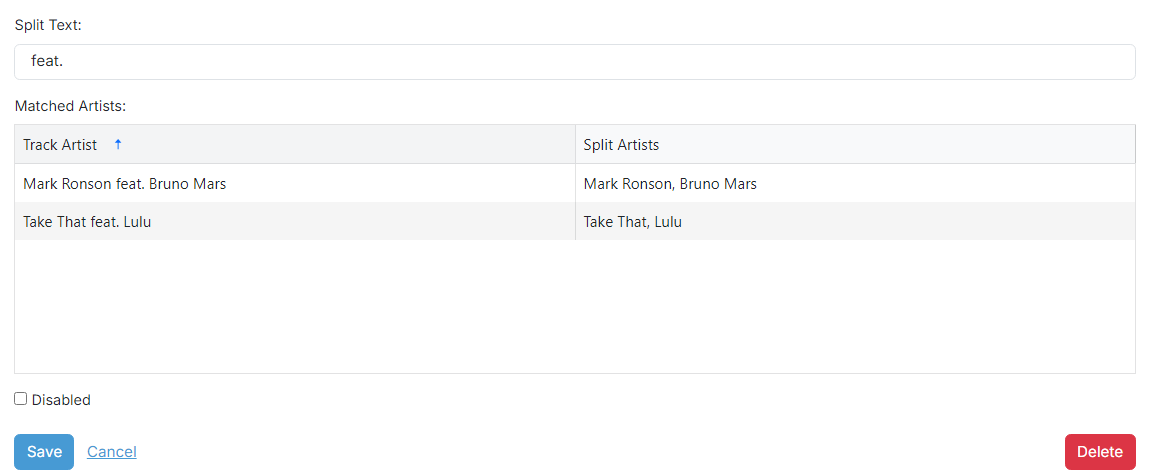
Split Text

The text used to separate a Track Artist into multiple artists. Include spaces either side of the text if you want to split by a word. For example, with on its own could match George Michael with Elton John but also Bill Withers.
2
Matched Artists
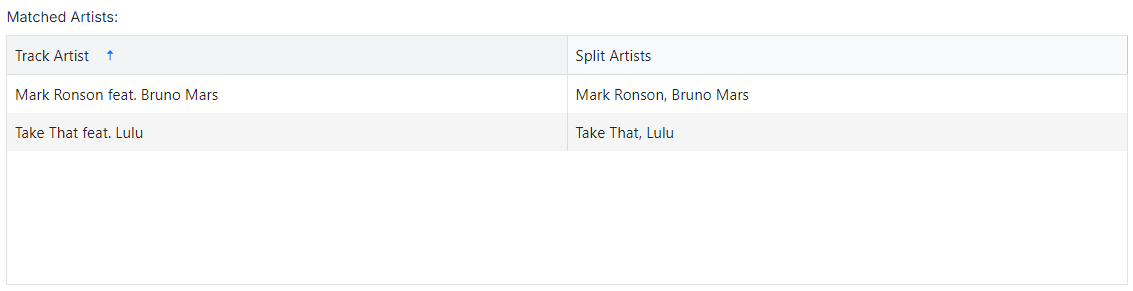
This table shows all artists in your library whose Artist field is split by the entered Split Text. Use it to confirm the split text is having the desired effect.
3
Disabled

Tick this checkbox to disable this Multiple Artist Split so it is not considered by the scheduler.