Review Section
After the import progress completes, the wizard moves to the Review section. Here you can choose which tracks to include in the import and review or edit each track's metadata before it is saved to your library.
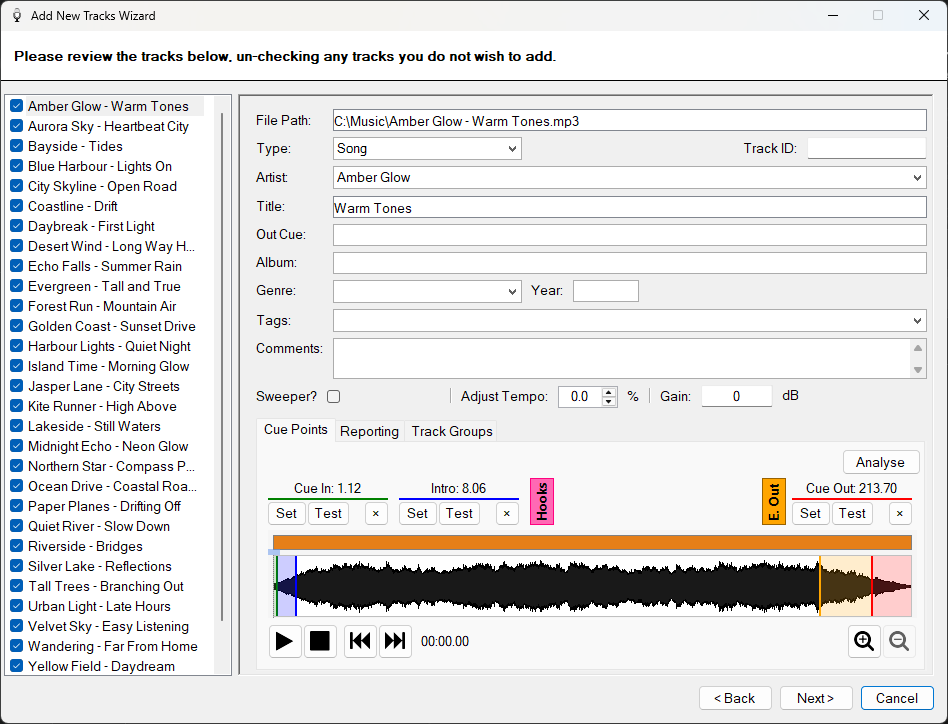
The Add New Tracks Wizard review page with a track selected for editing.
Track List
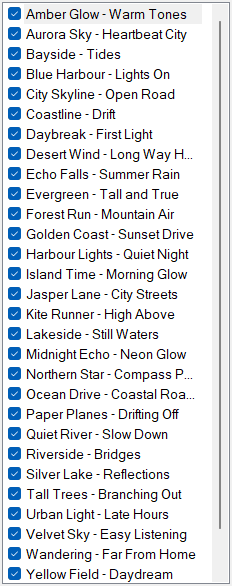
Displays all the tracks discovered during the import, listed alphabetically by artist and title. Each track has a checkbox that controls whether it will be included when you complete the wizard. Click a track to select it and view its details in the track editor panel.
Track Checkbox

Each track in the list has a checkbox. Uncheck a track to exclude it from the import. Only checked tracks will be added to your library when you complete the wizard. This is useful if some of the discovered files are not tracks you want in your library.
Track Editor
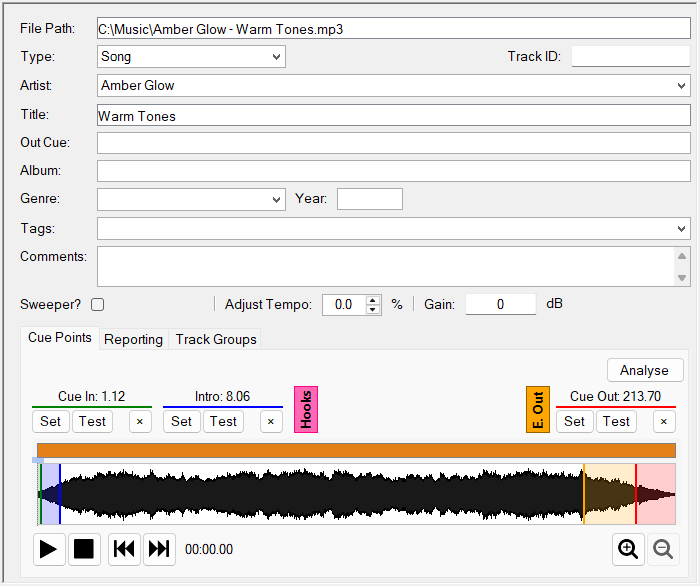
When you select a track from the list, the track editor panel appears on the right side. This shows the track's metadata as read from the file's tags, including artist, title, album, genre, year, cue points and the waveform. You can edit any of these values before the track is imported. See Edit Track Window for full details on the editor and its cue point controls.