Audio Analysis Settings
The Audio Analysis tab of the Settings window configures the cue in and cue out thresholds used when PlayIt VoiceTrack analyses tracks and voice tracks for silence. These thresholds determine the volume level below which audio is considered silent.
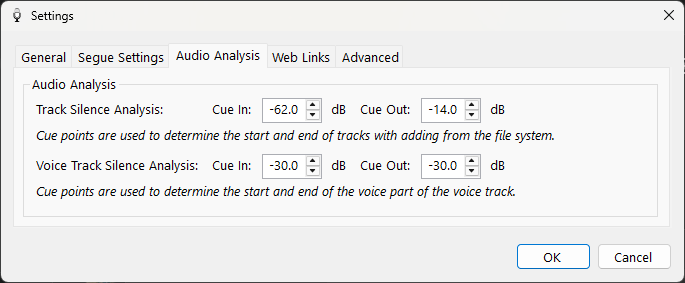
The Audio Analysis tab of the Settings window.
1
Track Silence Analysis

When a track is added to PlayIt VoiceTrack it will be analysed for cue in and cue out points. Set the cue in and cue out thresholds (in dB) here to an appropriate level of silence which will help segues work more accurately.
2
Voice Track Silence Analysis

When a voice track is recorded its volume is analysed for cue in and cue out points. Set the cue in and cue out thresholds (in dB) here to an appropriate level of silence which will help ducking and segues work more accurately.