Getting Started
When you first launch PlayIt VoiceTrack, you are presented with the Get Started window.
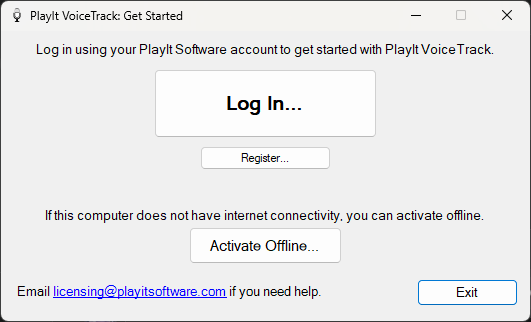
The Get Started window shown the first time PlayIt VoiceTrack is launched.
In order to begin using PlayIt VoiceTrack, you need to log into your PlayIt Software account. Click the Log In button to begin logging in. If you do not have an account, you can create one by clicking Register or visiting playitsoftware.com/Account/Register.
If the computer you are using is not connected to the internet, you can activate offline.