The Select Program window is shown when changing the scheduled program for a schedule item or when adding a new schedule item from the Schedule window.
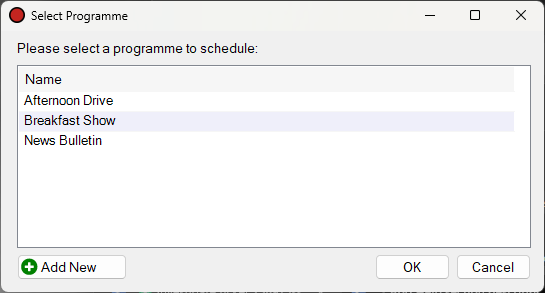
The Select Program window.
1
Program List
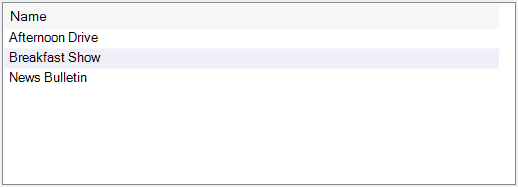
Select the program recording to schedule. Double-click to quickly select and close the window.
2
Add New Button

Click the Add New button to add a new program to PlayIt Recorder 'on-the-fly' for quick creating and scheduling.
3
OK Button

Click the OK button to use the selected program.
4
Cancel Button

Click the Cancel button to close the window without selecting a program.