Programs
Programs indicate the name and description of a recording. The name can be used to generate the filename of the recording.
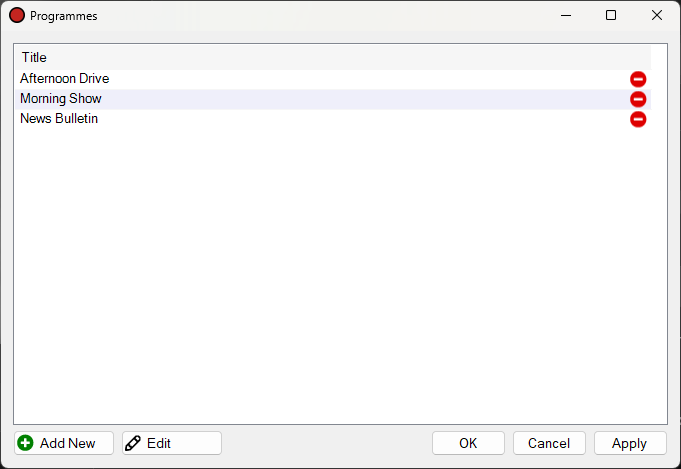
The Programs window.
1
Program List

The list of all programs added to PlayIt Recorder.
2
Add New Button

Click the Add New button to add a new program. This will display the Edit Program window.
3
Edit Button

Click the Edit button to edit the selected program.
4
OK Button

Click OK to save all changes made to the programs list.
5
Cancel Button

Click Cancel to discard all changes made to the programs list.
6
Apply Button

Click Apply to save all changes made to the programs list but keep the window open.