QuickCart Pages Window
The QuickCart pages window is used to make changes to the pages found in the main window. All actions performed in the window will be applied immediately.
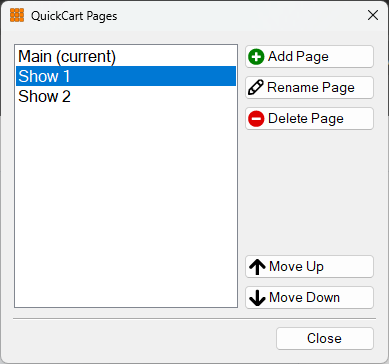
The QuickCart Pages window with the second page selected.
Page list
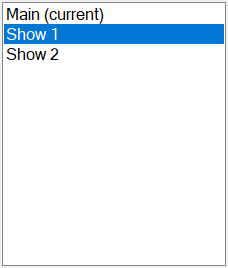
The page list box shows the list of pages in order. Select a page here to rename it, delete it, or change its position in the list. Double-click on an item in the page list to make it 'current' and quickly navigate to that page on the main window.
Add Page button

Click the Add Page button to add a new page to the bottom of the list.
Rename Page button

Click the Rename Page button to rename the selected page.
Delete Page button

Click the Delete Page button to delete the selected page. A confirmation window will appear to ensure you want to delete the page as this is an irreversible action. It is not possible to delete the last page.
Move Up button

Click the Move Up button to move the selected page one position up in the list.
Move Down button

Click the Move Down button to move the selected page one position down in the list.
Close button

Click the Close button to close the window.