About PlayIt Cartwall
The About window displays the current version of PlayIt Cartwall, checks whether a newer version is available and shows how long the application has been running. Open it from the main window by going to Help > About PlayIt Cartwall.
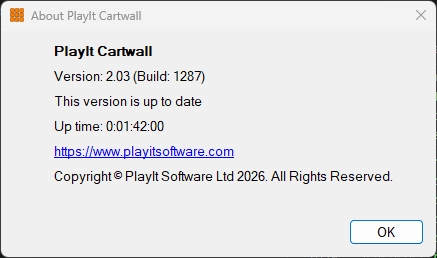
The About window when the software is up to date.
1
Current Version

Displays the currently installed version of PlayIt Cartwall.
2
New Version Check

Indicates whether the installed version is up to date. When a newer version of PlayIt Cartwall is available you will be notified here with a link to download the latest version.
3
Up time

Shows how long PlayIt Cartwall has been running since it was last started.
4
OK button

Click the OK button to close the window.